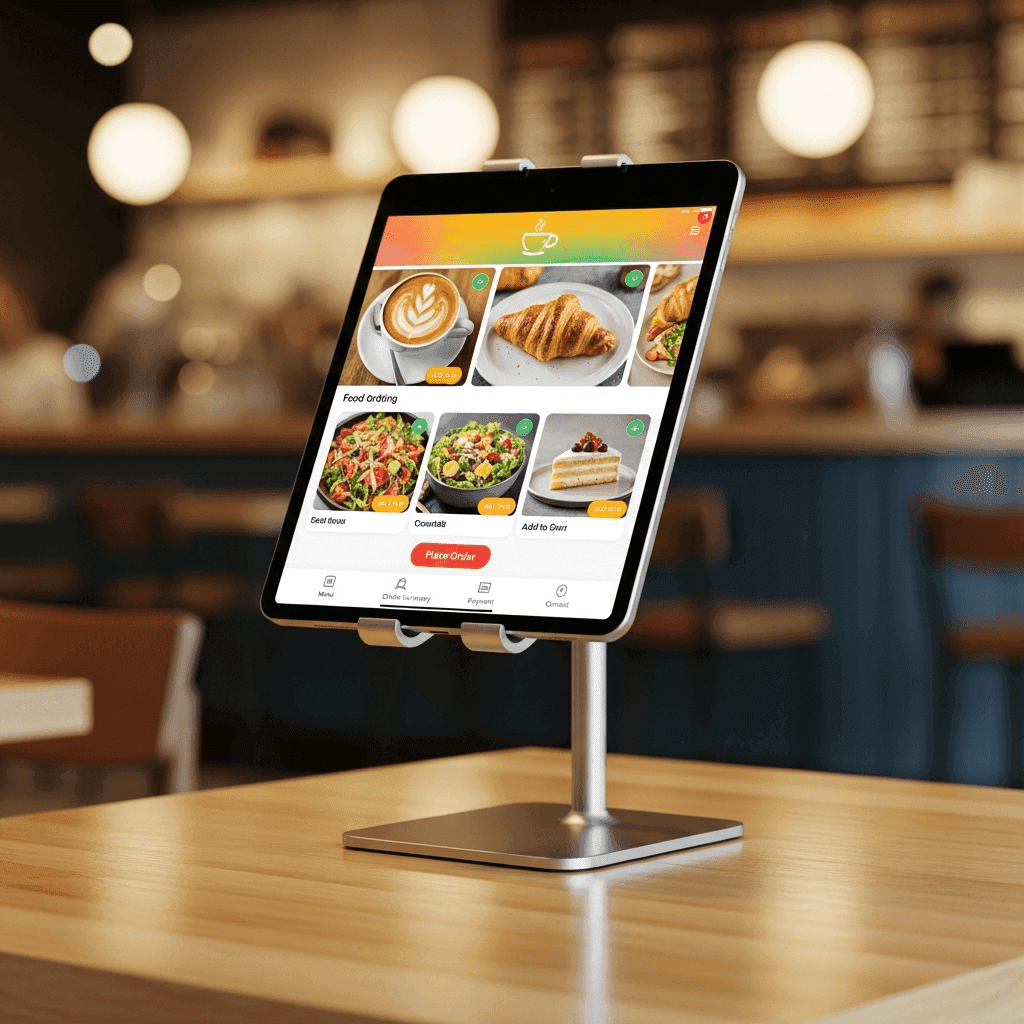
Your table plan, always with you.
Graphical table plan with rooms and colour codes plus a My-Tables list. Your service team sees at a glance which table is waiting, which is paying and which they served last. On iPad, iPhone or terminal.

Service without searching.
When your service staff has to find each table first, time is lost — and with it the patience of guests. Yoordi POS brings table plan and table list into one app, sorted by room, filtered by My Tables, colour-coded by status. Who is where and what is waiting is immediately visible.
Plan, list, overview.

Frequently asked questions about table management.
By default four colours show table status: green = free, yellow = occupied with active order, orange = waiting for service action, red = ready to pay. You can customise the colour palette and thresholds in the back office, for example to flag waits over 20 minutes. Colours are immediately visible on all connected devices.
Yes. You can create as many rooms as you want — lounge, garden, terrace, bar, private room, event area. Each room has its own plan and table numbering. Seasonal rooms like a summer pavilion or Christmas market stand can be temporarily hidden without deleting them. Switching between rooms takes one tap.
Service staff pick their tables at shift start or get them auto-assigned. In the My Tables tab they immediately see all currently served tables, sorted by last action or room. This prevents double service and makes shift handover clean. During handovers the substitute sees instantly which tables already have orders.
Yes. For a wedding, banquet or concert you drag tables into a new layout in the back office — in two to three minutes the plan is rebuilt. You can save event plans as templates and reuse them later with one click. The changed plan is immediately live on all devices, no restart, no update.
Yoordi POS is optimised for 4G and continues working in weak signal. Table status is held locally on the device and synchronised with all other devices as soon as connection returns. On full outage each device works autonomously and reconciles at the next connection window. You don't lose any orders or status info.
All Yoordi products at a glance.


Ready for clear table overview?
30 minutes demo, in person, on your use case. Swiss team, directly reachable.